Keep what you found.
Pages. PNGs. JPEGs. WebP. PDFs. Preserve the original bytes and extract text locally, including scanned pages. Use the browser companion to save a page you’re already viewing.
Formats & browser capture ↗Good answers have roots.
Gather pages, images, PDFs and your own files. Give your assistant useful context, with a way back to every source.
Get Proofpage Free & open source. Runs on your computer.Add the Chrome companion ↗A saved page keeps its original and revisions. Follow the trail when the live web changes.
Explore capture ↗Capture: collect a public page, preserve its original, and record a signed capture receipt for review.
How collection works ↗A real workspace for the things your AI reads. Open the original. Follow a quote. See what changed.
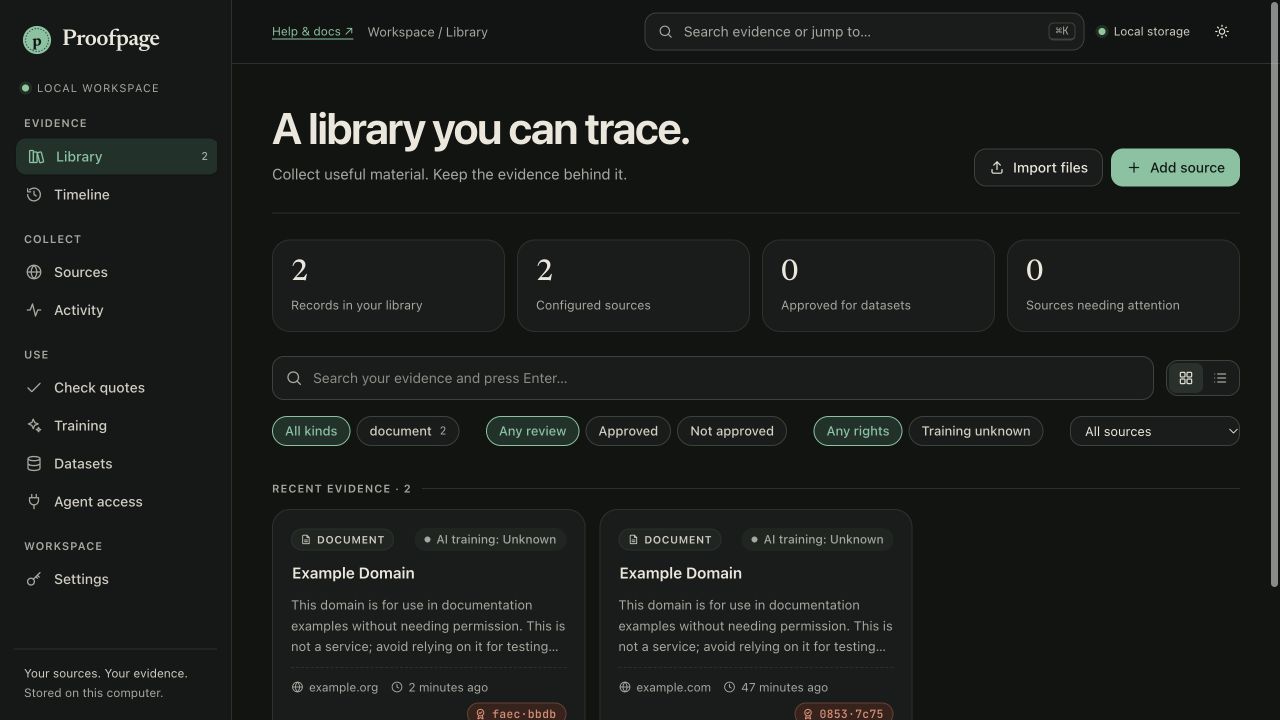
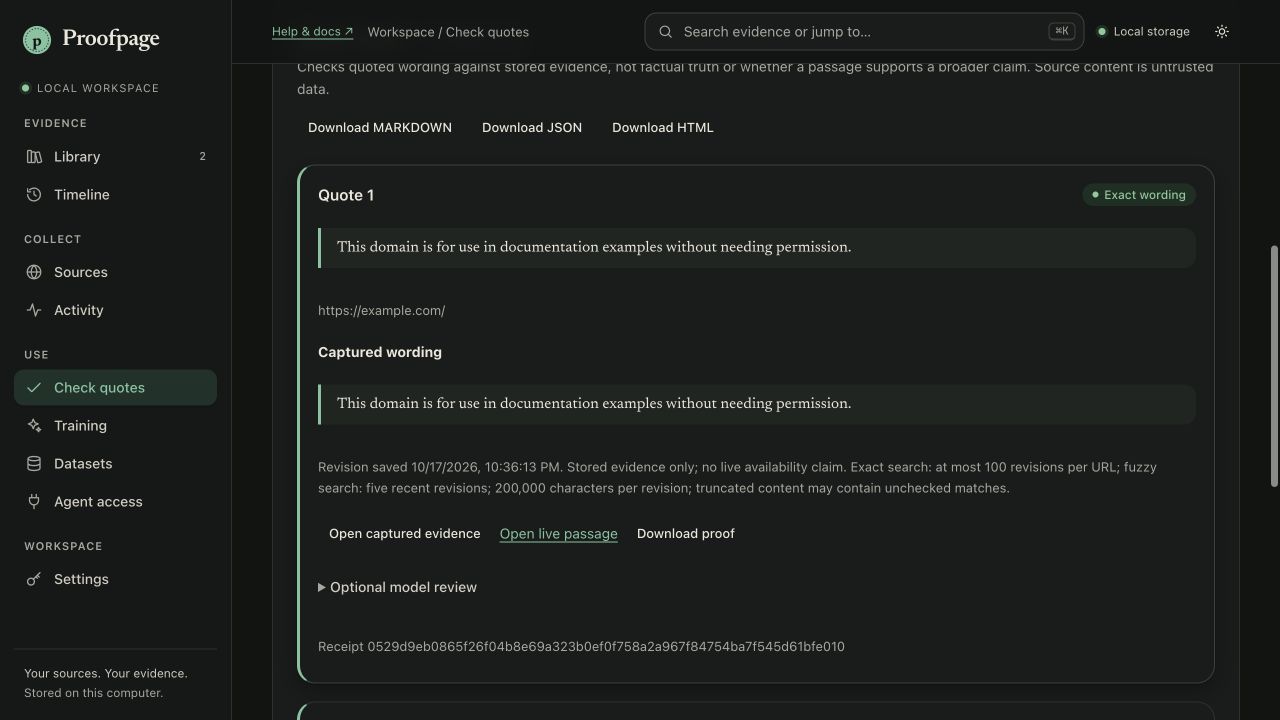
This silent tour uses actual screenshots, not a continuous recording.
Text walkthrough ↓Your files stay in your workspace. No Proofpage account needed.
Take a look around ↗Start small. Pick your sources. Decide what your assistant gets to know.
Real desktop screenshots with fictional sample content. Setup and context previews are from the upcoming 0.5.1 update; downloads remain on 0.5.0 while Google Docs permission review is pending.
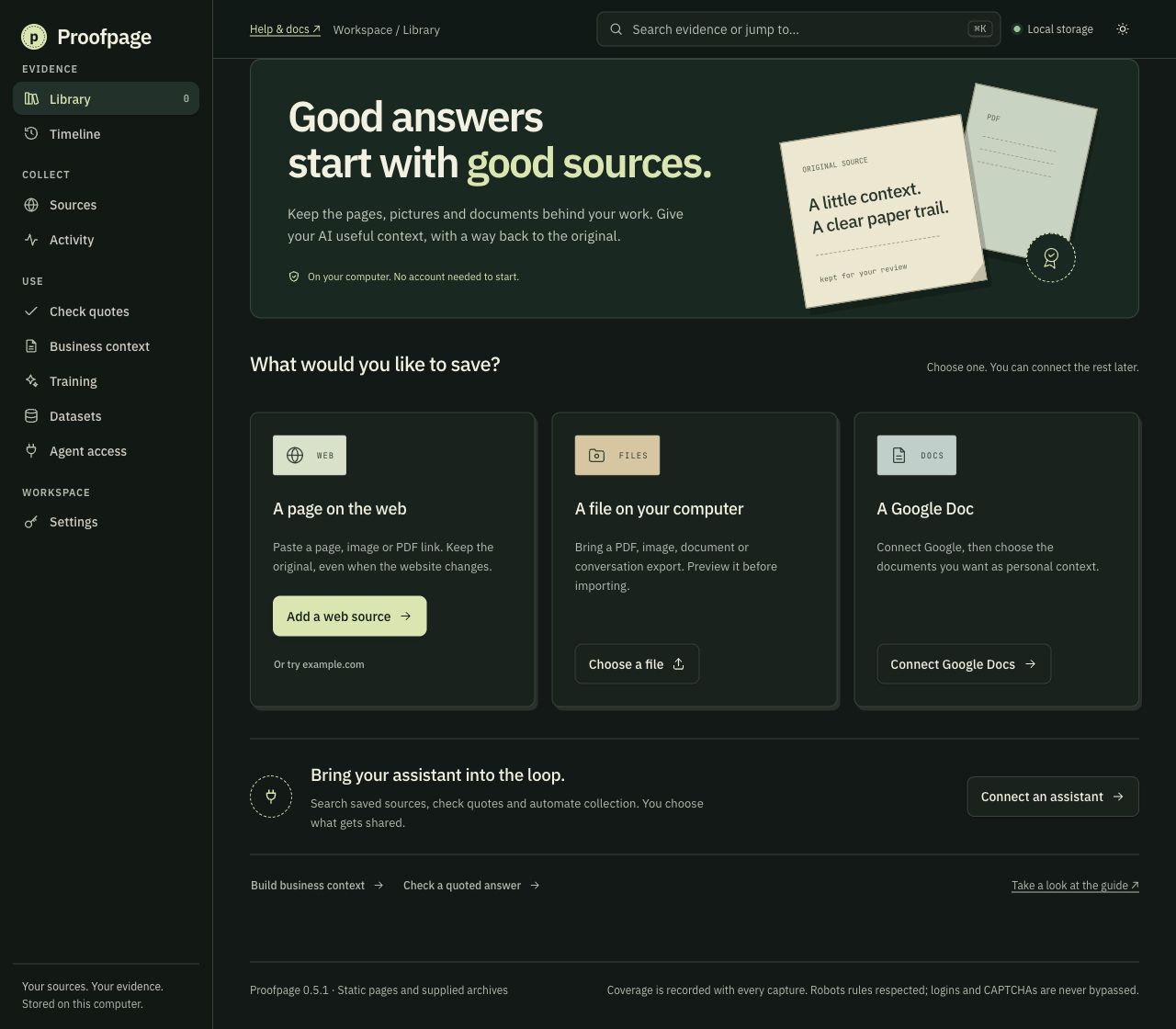 Open full screenshot ↗
Save a public page or bring a file. Connect an assistant when you’re ready.
Getting started ↗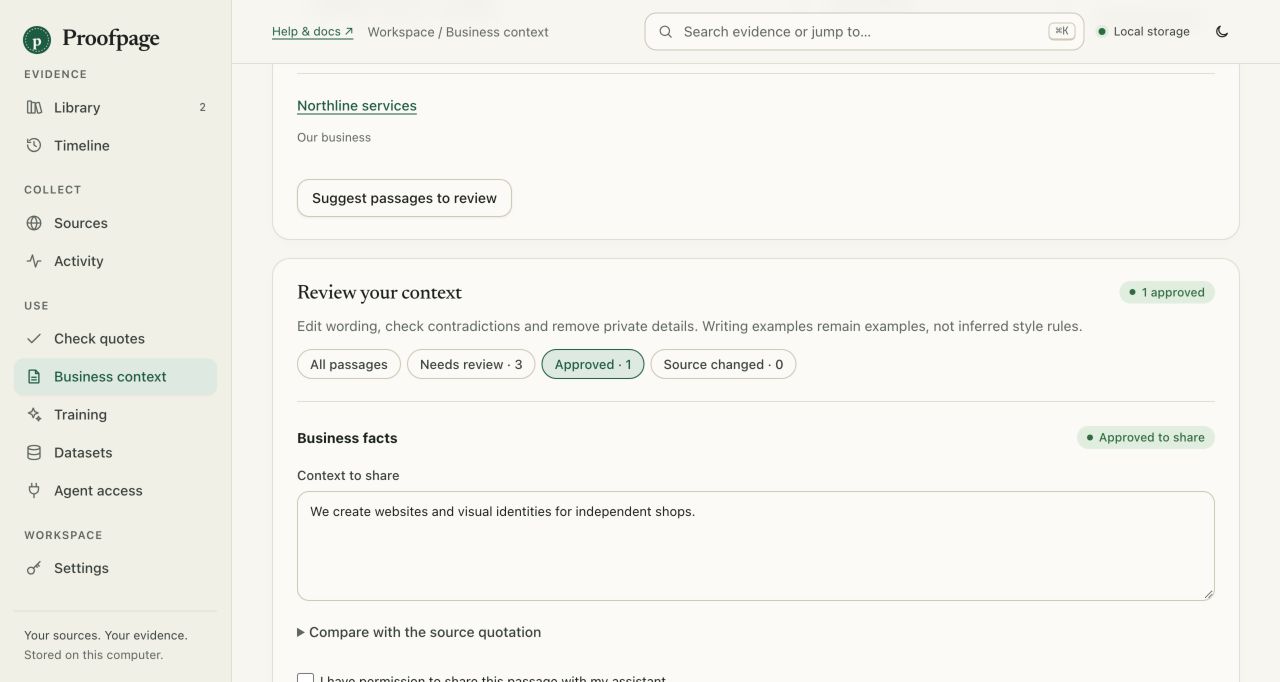 Open full screenshot ↗
Keep business facts, customer material and writing examples separate. Review before sharing.
Business context ↗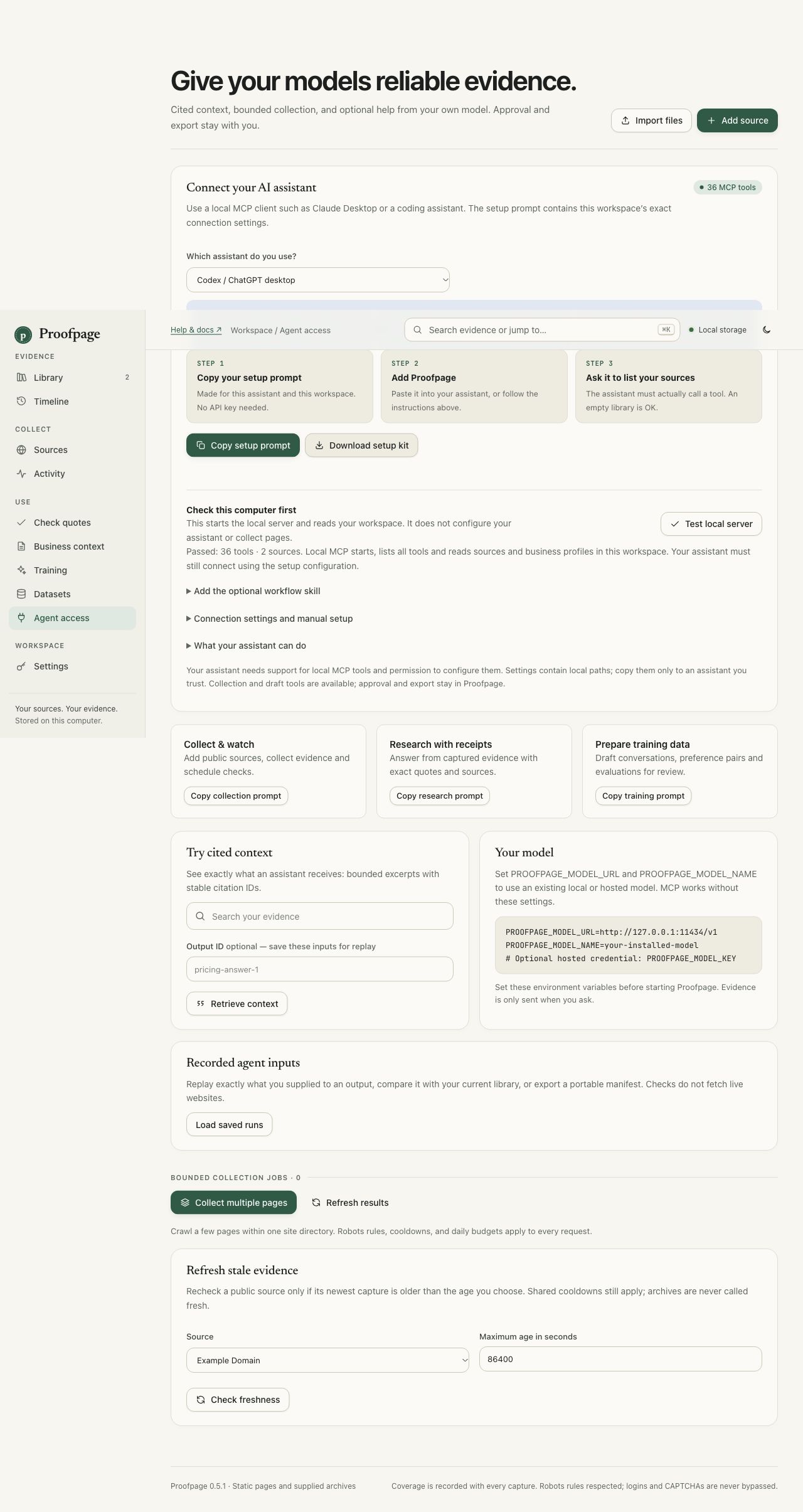 Open full screenshot ↗
Choose your local assistant. Get its configuration and skill together. Check the real MCP helper.
Assistant setup ↗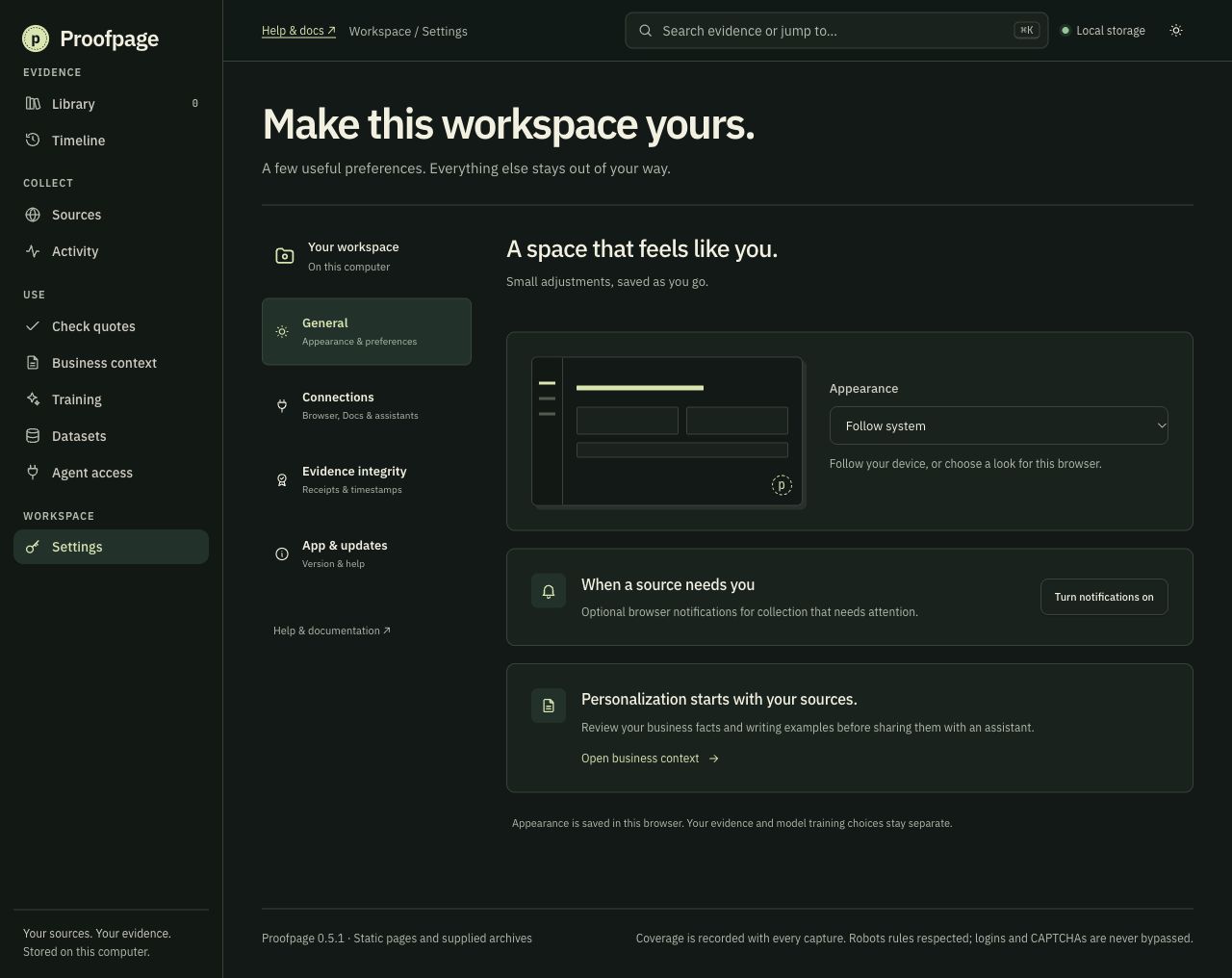 Open full screenshot ↗
Set your appearance, pair Chrome, and find your updates without hunting through configuration.
Desktop guide ↗From the first capture to the answer you ship. A URL alone can’t do all of this.
Pages. PNGs. JPEGs. WebP. PDFs. Preserve the original bytes and extract text locally, including scanned pages. Use the browser companion to save a page you’re already viewing.
Formats & browser capture ↗Compare revisions, inspect publisher signals, and check quotes. Signed receipts record what your workspace observed, with proof bundles you can verify offline.
Receipts, rights & revisions ↗Build a reviewed business profile from your files. Send approved context to compatible assistants through MCP. Prepare training examples from eligible sources, with citations and human review.
Assistants & training data ↗Record the passages behind an output. Replay them offline. See which answers depend on a source that changed. Automate with the Python or Node SDK, CLI, MCP, and GitHub Action.
Build with Proofpage ↗A model answer is hard to debug when the input has already changed. Pin the source. Keep the passage. Make the next run inspectable.
Open the developer guide ↗Python · Node · CLI · MCP · GitHub Action# After capture, keep the exact input.
manifest = client.record(
captured['revision_ids'],
name='research-answer-1'
)
pin = client.write(manifest, 'inputs.json')
# Later: replay without the network.
saved = Proofpage.replay(
'inputs.json', expected_sha256=pin
)Exact recorded inputs. Model outputs may still differ.
Review before you save. Check rights before you export. See blocked and incomplete captures plainly. Proofpage prepares training data; it doesn’t train model weights. Local MCP works with compatible desktop clients. The optional remote MCP server needs your own HTTPS host and OAuth provider. Shared Google Docs sign-in has been submitted for Google's permission review. The stable 0.5.0 app still needs a custom client configuration.
See what works today ↗A native Tauri window, with the engine included. Download, extract, and open. No Python or terminal needed.
Choose your chip in Apple menu → About This Mac. Apple silicon: macOS 14+; Intel: macOS 13+.
Extract the ZIP. Drag Proofpage.app to Applications. Open it.
Developer ID signed and Apple-notarized. A normal first-open confirmation may appear.
Windows 10/11 · 64-bit Intel or AMD.
Download for Windows ↓Extract the entire ZIP and open Proofpage.exe. Keep its files together.
Requires Microsoft Edge WebView2. This release is unsigned on Windows; a publisher warning or block may appear.
64-bit Intel or AMD desktop · Ubuntu 22.04 or compatible system libraries.
Download for Linux ↓Extract the archive and open the Proofpage executable. A graphical desktop and WebKitGTK 4.1 are required (libwebkit2gtk-4.1-0 on Ubuntu). Distribution compatibility varies.
Python 3.11+ is required only for the source/CLI installation.
git clone https://github.com/Mehxeo/Proofpage-OpenSource.git cd Proofpage-OpenSource python3 -m pip install -e '.[media]' python3 -m proofpage serve --openRead the CLI guide ↗
No account. No subscription for the local app. Back up your workspace before updating.
Preview a page, review what stays, and save directly to your running Proofpage app.
Companion 0.3.0 · No Developer mode needed.This silent, animated tour uses actual app screenshots. It is not a continuous screen recording.
Yes. The local app is free and MIT licensed. You can inspect, modify, and run the source yourself. Hosted service plans are separate future work; no paid account is needed here.
Your workspace is stored locally. Collection contacts the public sites you choose. Model review sends selected content only when you request it; optional timestamp anchoring sends a digest. Exported files are yours to share. This homepage has no analytics or signup form.
No. Claim Check compares wording. Receipts attest what your workspace observed, not the truth of a statement or proof that the server sent it. Publisher signals are evidence to review, not a legal determination.
No. Static pages and supported supplied archives work best. Robots policies and limits are respected. For signed-in pages, use the optional browser companion after signing in and completing any challenge yourself. Missing resources and access failures are reported. Browser capture guide ↗
Back up your database first, then replace the application files. Your desktop workspace lives separately in your user folder under Proofpage/data. Keep backups private: they include your receipt-signing key.
I’m building the tool I want behind an AI answer: a way to go back, open the source, and see for myself. Proofpage is open source. Come build it with me.